CapCut gets a shortcut in ChatGPT and edits video through AI conversation
Announced at CapCut World in Los Angeles, the new features include EditPilot, generative tools in the preview window and AI Lab.
In 30 seconds
- CapCut becomes one of the plugins integrated into ChatGPT, to build a first cut and refine video through conversation.
- In chat, users can change a shot's duration, resize captions and lower the music track under dialogue.
- The platform gained EditPilot, generative editing right in the preview, and AI Lab, on desktop, web and mobile.
- CapCut said it is studying more efficient moderation and possible watermarks for AI-altered content.
CapCut, the video editing tool, announced on Tuesday (27) a wave of artificial intelligence features — headlined by a shortcut inside ChatGPT. The new features were unveiled at CapCut World, an event that brought together more than 300 content creators and partners in Los Angeles, in the United States.
In practice, CapCut becomes one of the plugins integrated into ChatGPT, following other software that already works alongside OpenAI's chatbot. The idea is to assemble the first cut in CapCut and keep refining the video by chatting with the bot, instead of hunting for every tweak in the editor's menus.
The integration does not replace the app: the video is still assembled in CapCut, and ChatGPT acts as a command layer on top of the work already done. It is the difference between editing by clicking and editing by describing what you want.
The announcement cites very concrete examples of what the chatbot can do: change the duration of a shot (each take or scene in the video), change caption size and keep the soundtrack low, under the dialogue. They are small adjustments, but they show up in almost every video and eat up time for solo editors.
EditPilot and editing right in the preview
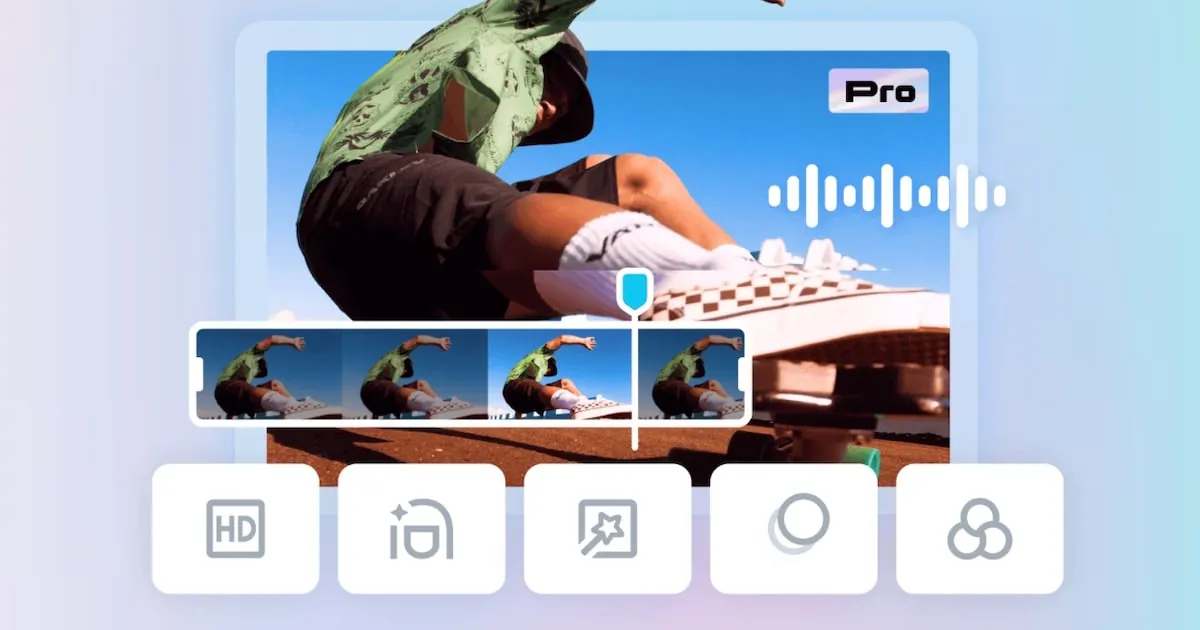
Beyond the ChatGPT shortcut, CapCut for desktop, web and mobile received four AI-based upgrades. The first is EditPilot, which lets you describe the edit in natural language to a chatbot, making both varied and repetitive tasks easier.
The second is a set of generative tools that work inside the preview window: users select the scene elements they want to change and describe the desired alteration, without leaving the content preview.
The third package brings improvements to the web editor and the smartphone app, including generative AI for image, video and audio. That includes AI Lab, described as a conversational space to develop ideas with help from the machine.
The fourth addition is a faster creation experience, focused on early drafts with improved refinement. CapCut has not shared many details yet about how it will work and said it is expected to arrive in the coming months.
Transparency and watermarks
CapCut also confirmed it is building safety and transparency mechanisms for artificially produced content. The initiatives range from improved moderation to the possible implementation of watermarks indicating whether material was modified by AI.
This applies to all the features above: the easier it becomes to generate and alter images, video and audio with a text prompt, the harder it is for viewers to know what was recorded and what was created or modified by the machine.
Sources
The facts in this story come from these outlets:
- Estadão “CapCut ganha edição via ChatGPT e novos recursos de IA; confira as novidades”
- TecMundo (YouTube, imagens) “VAZOU O MOTOROLA EDGE 70 NEO! CAPCUT COM CHATGPT! MERCADO LIVRE! ATAQUES COM PHP2SHELL CONFIRMADOS +”
Text produced with the help of artificial intelligence from the sources cited and reviewed before publishing. The video presentation is AI-generated.
Add CodeMago News as a preferred source on Google